
Free
No activation720p
Video and audio mirroring with the same controls and smooth motion.
Resolution720p
iPhone and iPad mirroring for Windows
Wireless video and audio. Simple, smooth, and ready for Windows.
No verified installer is currently available
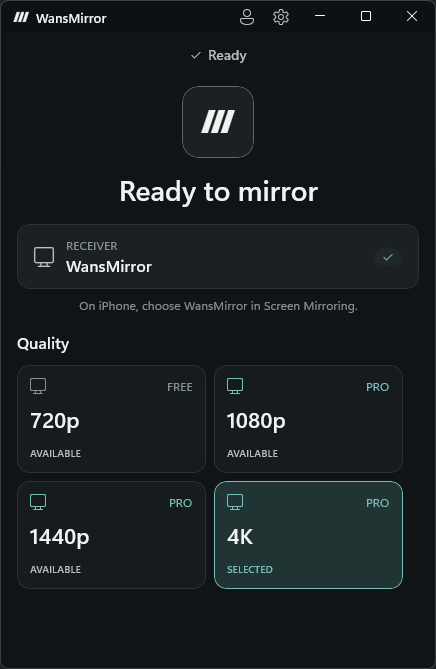
Connect with Screen Mirroring already built into iPhone.
Low-latency mirroring designed for games and interactive moments.
Fluid motion when the iPhone, PC, and local network support it.
Hardware-accelerated video and audio in a native Windows interface.
Bring an iPhone or iPad into games, videos, classrooms, walkthroughs, support calls, or your own larger screen.
One core experience
Video and audio mirroring with the same controls and smooth motion.
Choose the level of detail that fits your screen and your work.
Pro adds more resolution options on up to two Windows installations.
Good to know
No. WansMirror works with the Screen Mirroring control already built into iPhone and iPad.
Free includes the complete core mirroring experience at 720p, with video and audio. No account or activation is required.
Use the Windows download page. It offers an installer only after the signed release record and exact file pass verification.
WansMirror for Windows